

Launch Ads in Browser Extensions with ExtAds
Acquire users and drive sales through native ad placements inside the interfaces of popular extensions
Fast launch, white-hat verticals, and transparent moderation
Launch an Ad Campaign
keyboard_arrow_right
avg_pace
Quickstart
How advertising works with ExtAds
You prepare HTML banners for the network formats
The banners are hosted in a public repository and opened via GitHub Pages or another hosting service
You send banner links and format types
The moderation team reviews the creatives and connects them to rotation across the publisher network
Ads are displayed inside partner extension interfaces
Users see native recommendations in popups, dashboards, sidebars, and other product areas
You get impressions, clicks, and signups/leads
All actions are recorded in analytics, and billing is based on the agreed model
Why advertisers choose ExtAds
A new user acquisition channel
Get traffic from browser extensions — a channel that is still barely used by traditional advertisers.
High ad attention
Ads are shown inside the product’s working interface, not in the noise of feeds or display networks.
Fast campaign launch
Once banners are prepared and moderation is complete, campaigns can go live quickly.
Transparent analytics
Track impressions, clicks, installs, and campaign performance for each placement.
White-hat verticals and moderation
Only approved products and reviewed ad materials are allowed into the network.
Flexible pricing models
You can run campaigns on CPM, CPC, or CPI depending on your goals and product type.
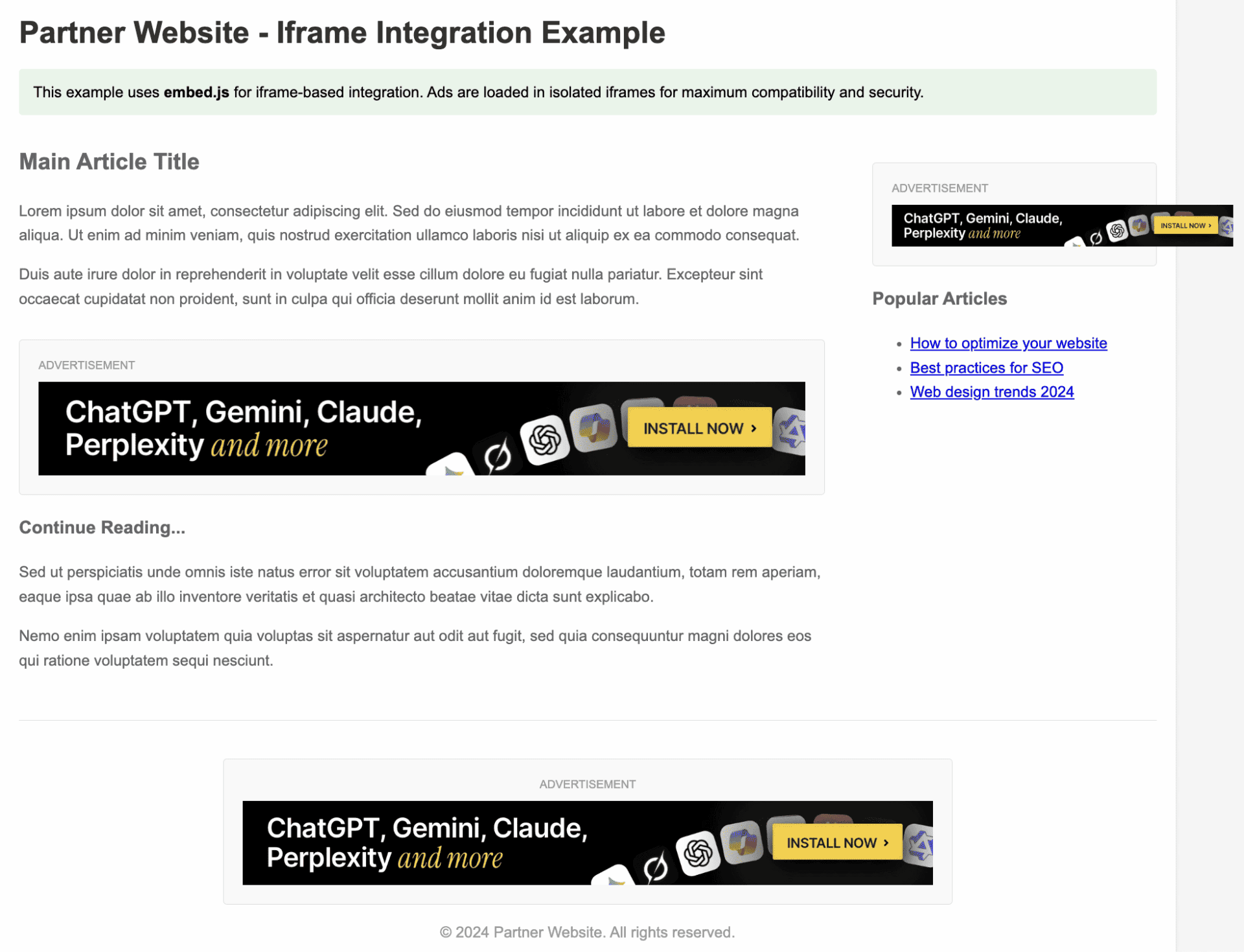
Ads are shown directly inside extension interfaces and look like native recommendations rather than banner blindness material
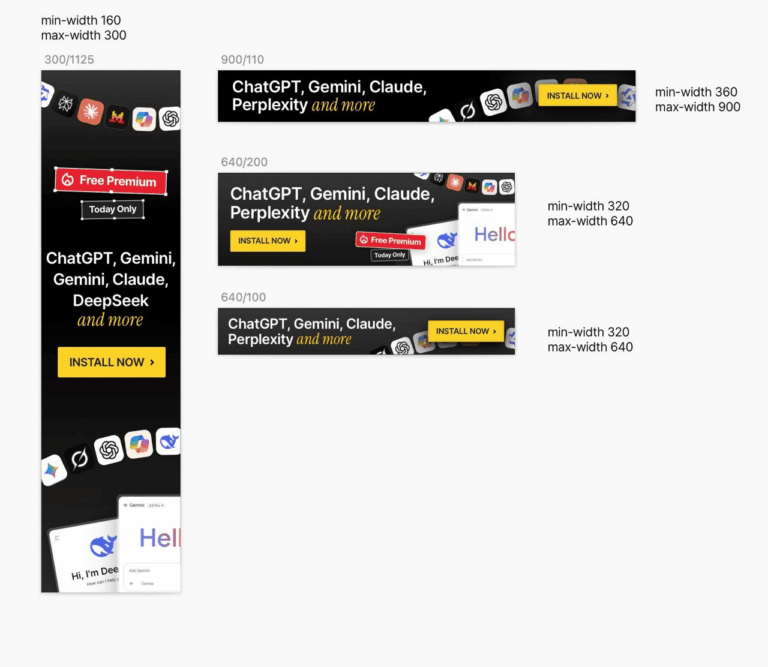
Available ad formats
- Vertical — 300×1125, min-width: 160px, max-width: 300px
- Mid — 640×200, min-width: 320px, max-width: 640px
- Small — 640×100, min-width: 320px, max-width: 640px
- Wide — 900×110, min-width: 360px, max-width: 900px
Banner size can adapt depending on the publisher’s interface within the allowed limits.
Campaign launch
-
Step 1. Prepare bannersCreate HTML banners for the supported ad network formats.
-
Step 2. Host them in a public repositoryUse GitHub Pages or another public hosting service so the banners open via direct links.
-
Step 3. Send the links to the moderation teamSubmit the banner links and specify each format type for connection to rotation.
-
Step 4. Get resultsOnce connected, your ads begin rotating across publisher products.
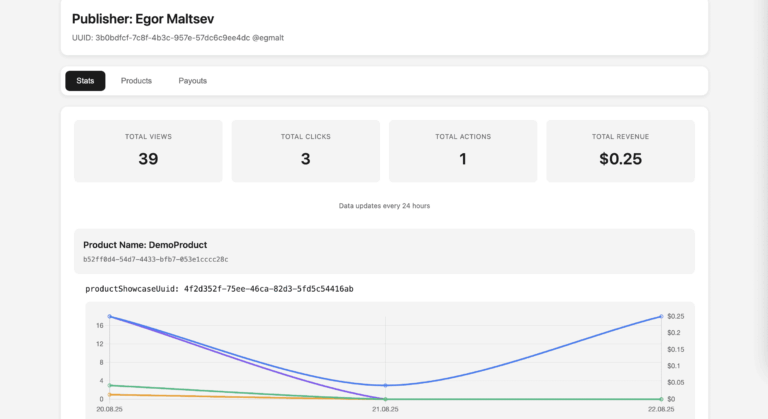
How results are measured
Analytics may include:
- impressions (CPM)
- clicks (CPC)
- installs (CPI)
Product-side actions can also be tracked depending on the partnership model.
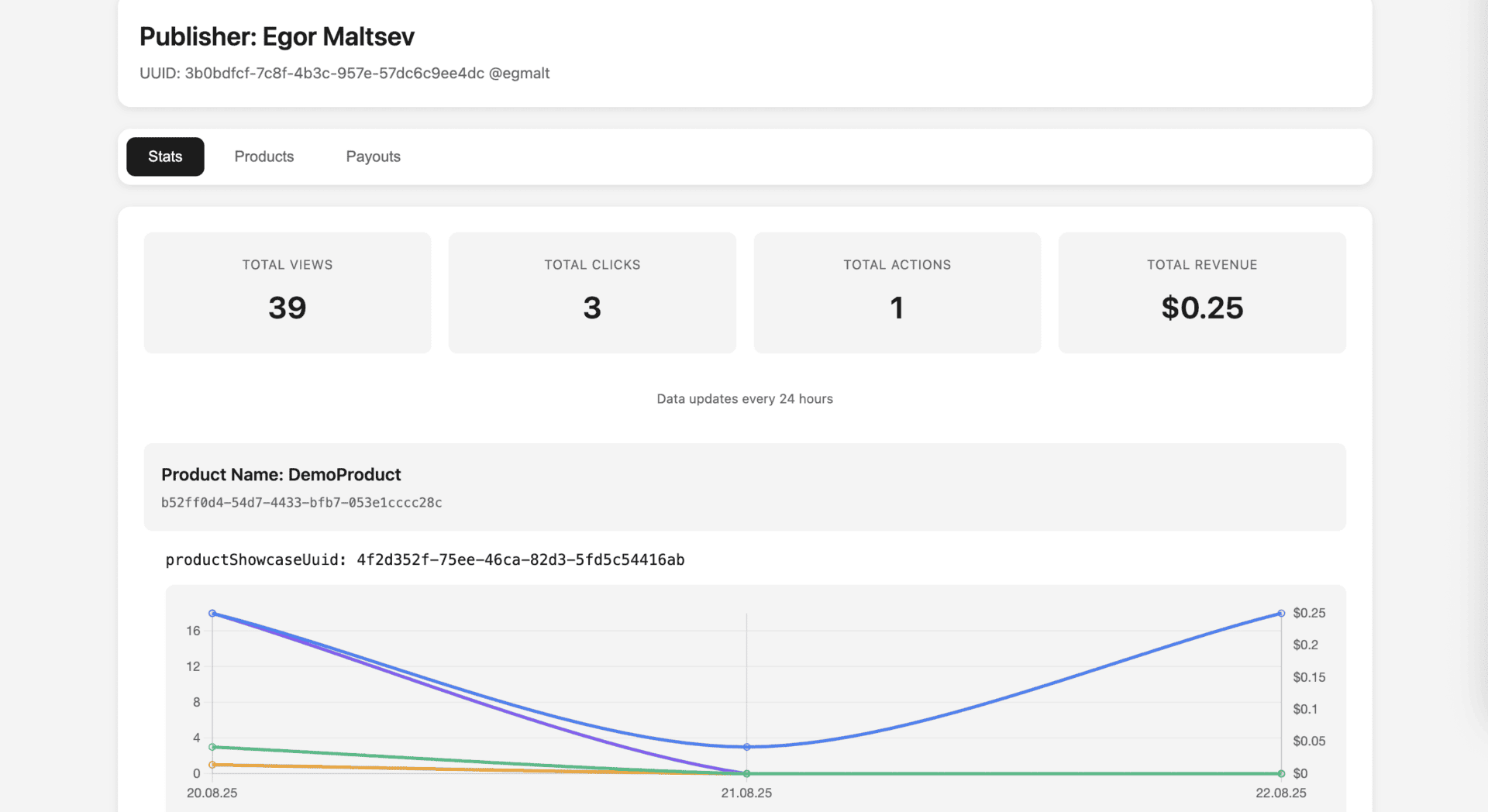
You can track impressions, clicks, installs, and campaign effectiveness
Frequently Asked Questions
- Where should banners be hosted?
In a public repository or on public hosting. GitHub Pages is often used for this.
- Can I use a private GitHub repository?
For free GitHub Pages, the repository must be public. Private repositories require a paid GitHub plan.
- How are target actions tracked?
A callback.js script is added before the closing body tag on the Welcome Page or any other required page.
- What products can be advertised?
Approved digital products, extensions, SaaS tools, AI products, online courses, services, and other white-hat verticals after moderation.
- How is the ad campaign launched?
You send the banner links, the moderation team connects them to rotation, and then the ads start showing inside publisher products.