

Monetize Your Extension with ExtAds
Earn from native ad impressions inside your Chrome Extension without subscriptions, sales, or complex logic.
Setup takes 5–10 minutes and fully complies with Chrome Web Store Policy
Connect Your Extension
keyboard_arrow_right
avg_pace
Quickstart
How monetization with ExtAds works
You add an ad block to your extension
There are 4 formats that are natively integrated into your extension
Advertiser ads rotate automatically inside it
All ads go through pre-moderation and represent approved products only, with no grey verticals
Users see native recommendations
Thanks to smart targeting, the most relevant offers are selected
You earn from impressions / clicks / installs
You get paid for every 1,000 impressions
Why publishers choose ExtAds
Extra revenue without effort
Monetize your existing audience without changing your business model.
Fast integration
No need to build a backend, billing, or complex systems — everything works through a single script.
Safe for the product
Isolated iframes do not break your extension code and do not affect performance.
Smart ad rotation
The system automatically selects relevant ads → higher CTR → more revenue.
Chrome Web Store compliant
The integration complies with CWS rules → no risk of suspension.

Ads are built into the interface and look like part of the product, not an annoying banner
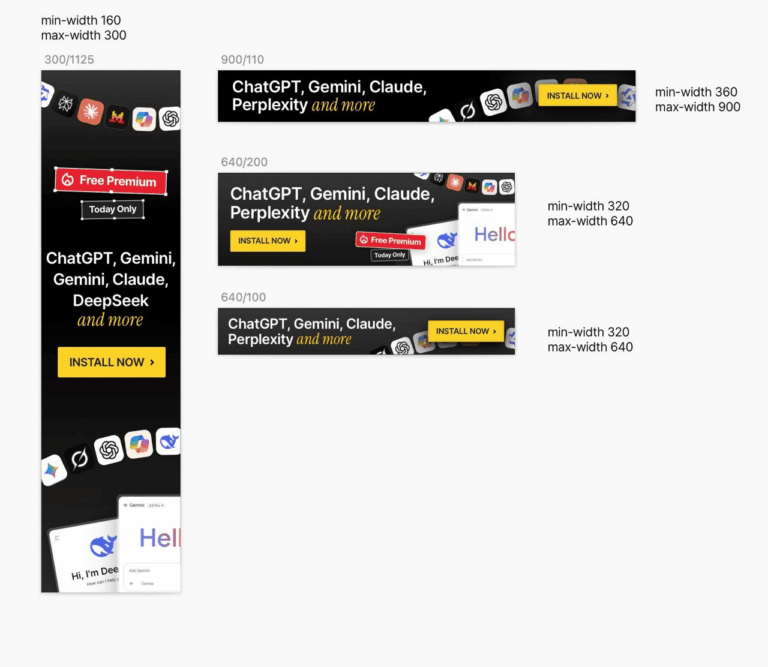
Available ad formats
- Vertical — 300×1125
- Mid — 640×200
- Small — 640×100
- Wide — 900×110
You choose where and how to place ads inside your extension.
Setup in 5 minutes
-
Step 1. Get your UUIDAfter submitting your request, you will receive a unique publisher ID.
-
Step 2. Add the scriptThe script must be connected locally. You need to download the embed.js file and add it to the extension.
-
Step 3. Place the blockInsert the div into the needed part of the interface: popup, dashboard, sidebar, or settings page.
-
Step 4. DoneAds will start showing automatically.
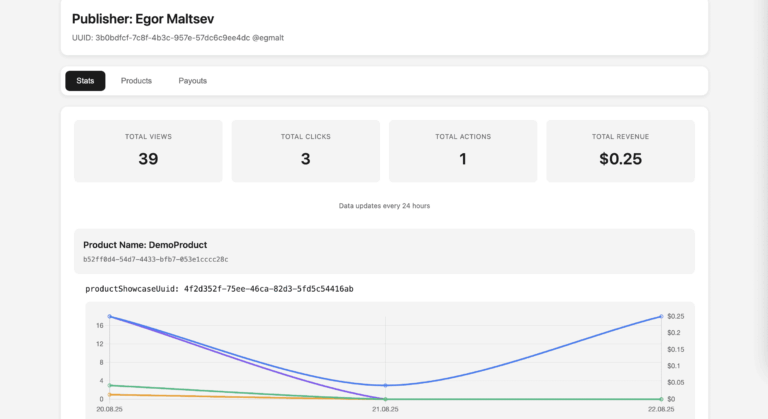
How you earn
You earn revenue from:
- impressions (CPM)
- clicks (CPC)
- installs (CPI)
The model depends on the advertiser
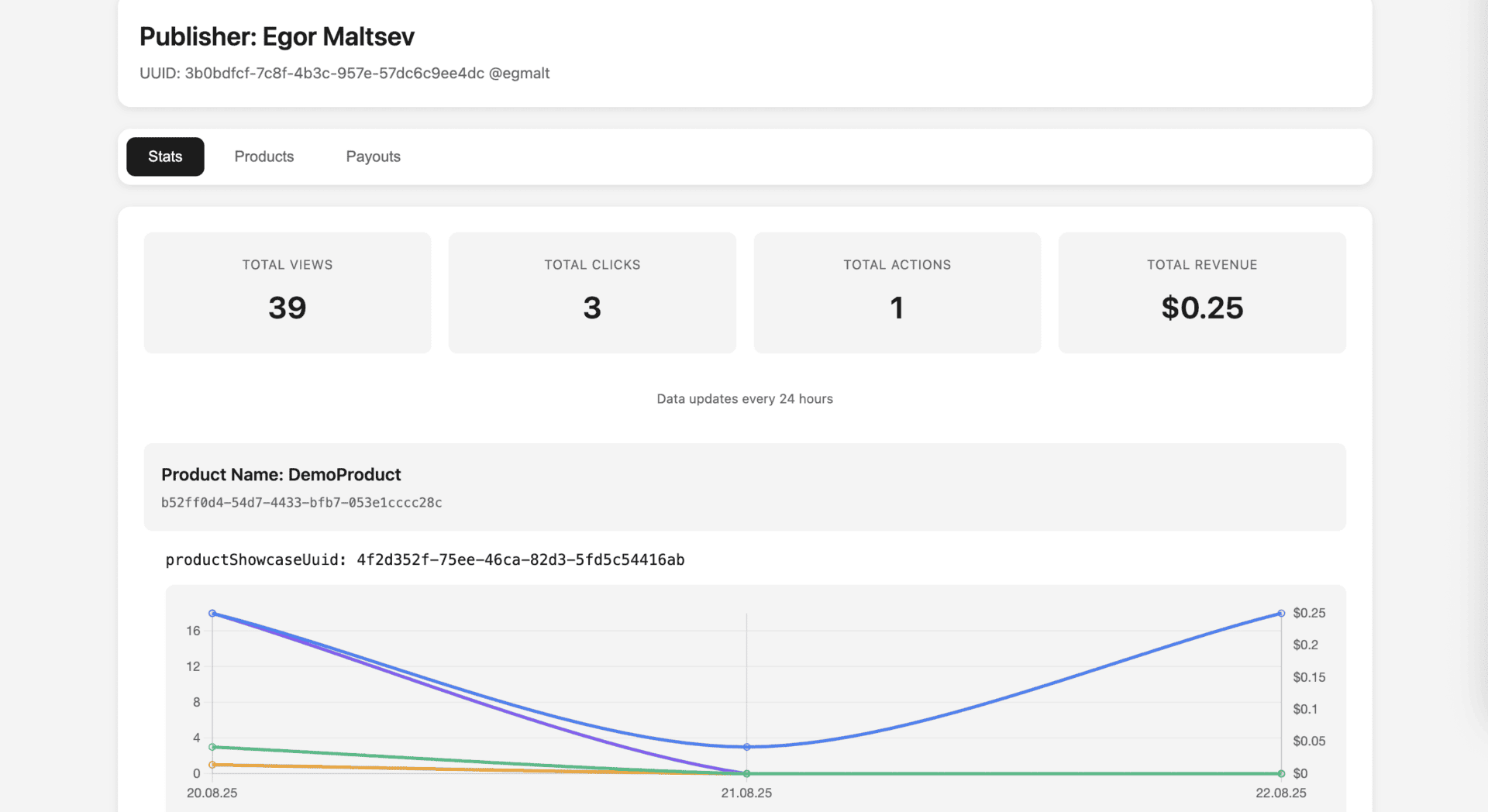
You can track impressions, clicks, installs, and revenue
Frequently Asked Questions
- Does it break UX?
No, the ads are native and built into the interface.
- Is it safe for CWS?
Yes, it complies with Chrome Web Store requirements.
- Do I need to update the code?
No, everything updates automatically.
- Can I control the ads?
Yes, through the settings and with the help of our manager.