

ExtAds — the first advertising network for promoting and monetizing browser extensions
Promote your extension or monetize your audience by placing native ad banners inside popular extensions.
How advertising works in the ExtAds network
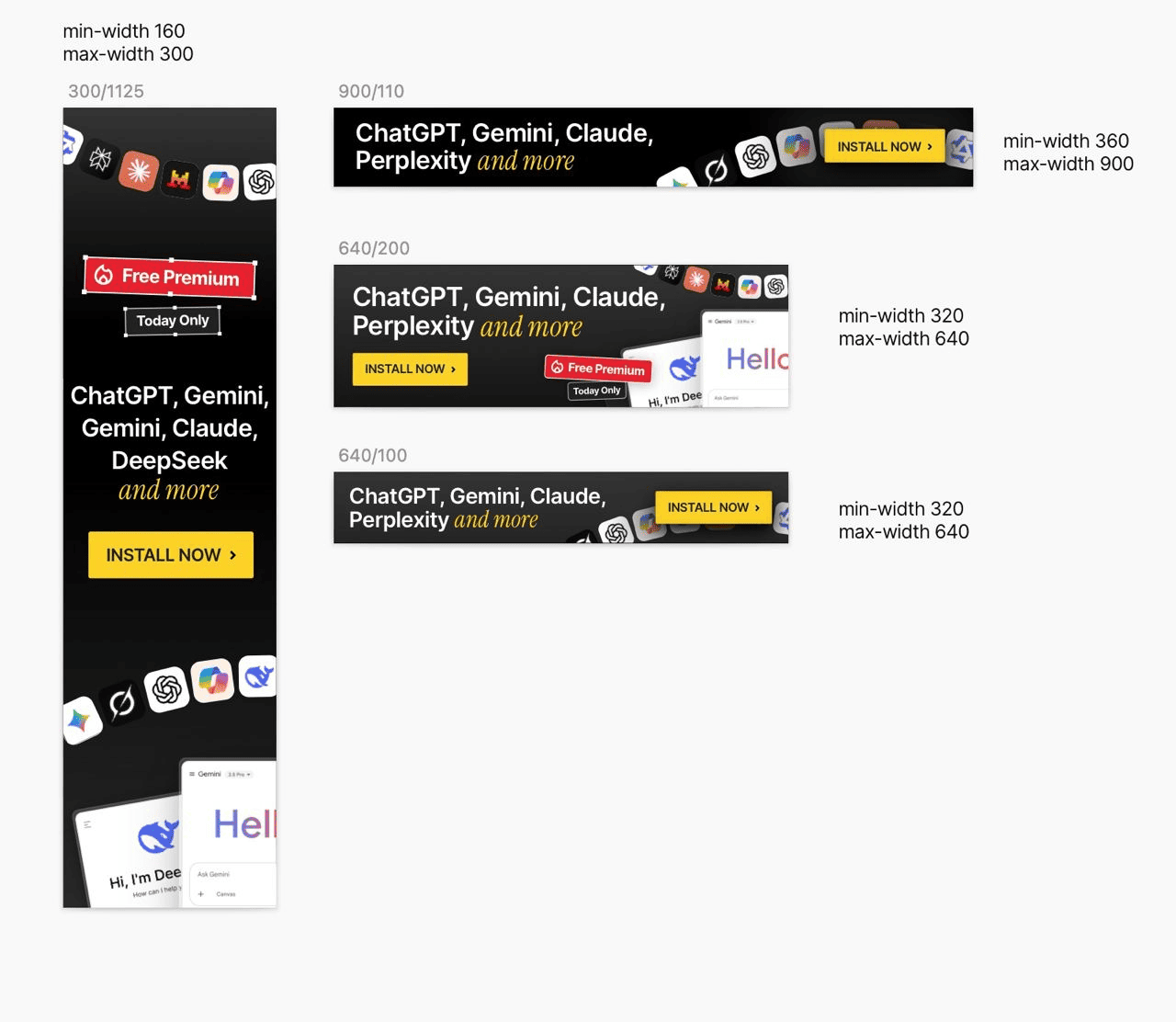
If you want to promote your extension
- Submit a request to launch a campaign
- Upload your ad creatives
- Choose targeting (categories, audience, geo)
- After launch, your ads start appearing across the extension network
- You can track key metrics and manage your ads in your personal dashboard
If you want to monetize your extension
- Submit a request to join
- Add your extension to our advertising network
- Select ad placement locations
- The system automatically matches advertisers and starts displaying ads in your extension
- You can track performance and revenue in your ExtAds dashboard
Who uses extensions in the ExtAds network
Chrome extension users are a high-quality audience that:
- actively use the browser as a working tool
- regularly install extensions
- are well-versed in digital services
- actively use the internet on desktop
- are typically aged 25–45
Our network includes users from all over the world, including:
-
DevelopersWe have a segment of extensions focused on IT specialists, helping improve workflows or solve small tasksarrow_outward
-
General audienceProducts for everyday use, helping users solve tasks at home or workarrow_outward
-
EntrepreneursMany extensions solve business-related tasks, making this audience highly valuablearrow_outward
-
Students and teachersEducational extensions used by both students and educators for various tasksarrow_outward
-
Digital professionalsProducts tailored for marketers, SMM specialists, designers, copywriters, and morearrow_outward
How users see ads
Ads are displayed natively inside extension or website interfaces:
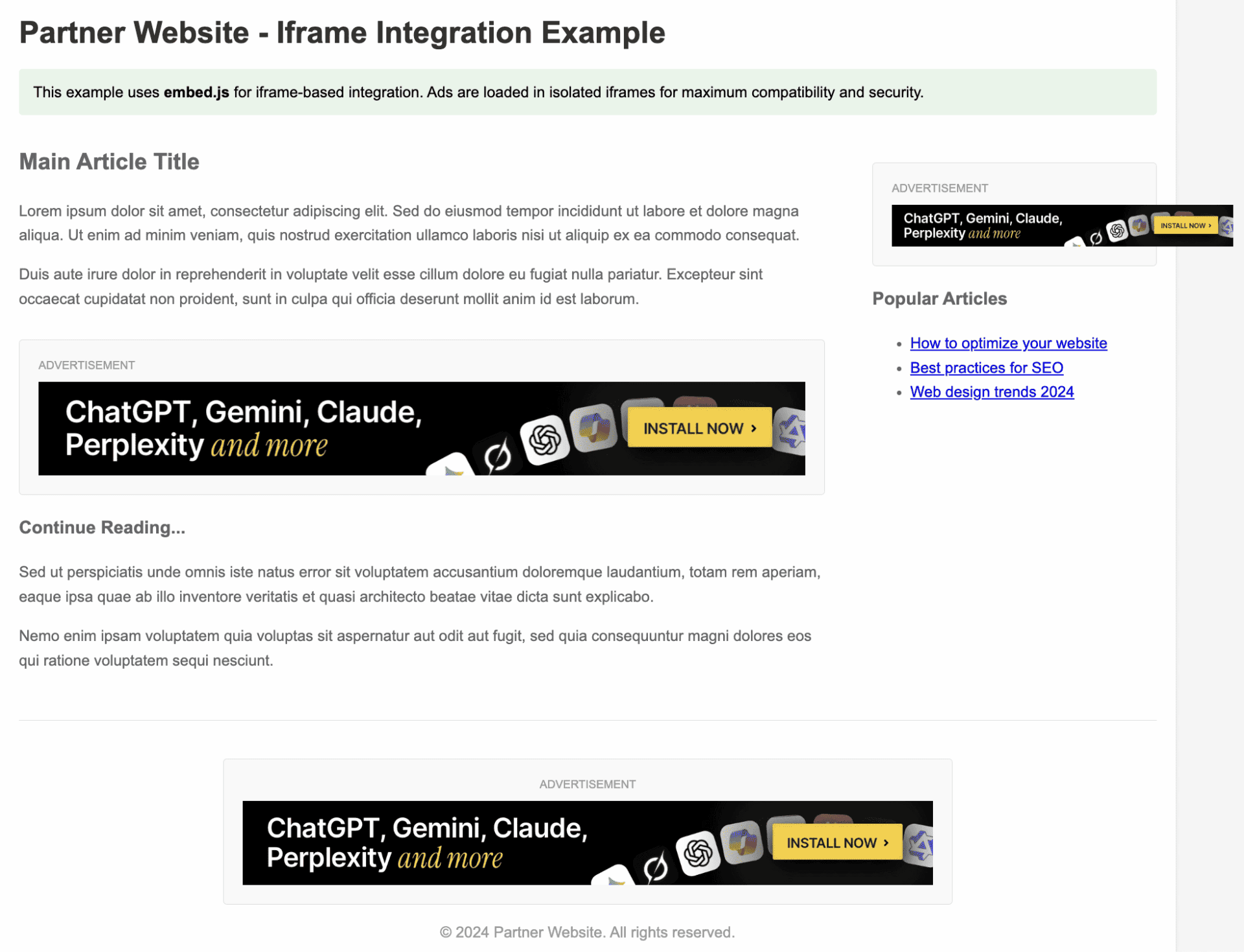
Native ads instead of aggressive banners
Ads in ExtAds appear as part of the extension or website interface:
- do not pop up over the page
- do not interfere with user workflow
- naturally complement the extension functionality
That’s why these recommendations are perceived as useful tools rather than aggressive ads. All placements also comply with Chrome Web Store policies.
Advantages of the ExtAds network
New advertising channel
Most ad networks focus on websites, social media, and video. Advertising inside browser extensions is still a relatively untapped channel with low competition.
Native and relevant ads
Ads are shown to users already actively using browser tools, making recommendations feel natural and engaging.
Frequent user touchpoints
Many extensions are opened daily or even multiple times a day, allowing consistent exposure to your product.
Low advertising costs
Since the channel is not saturated, CPM remains significantly lower than most networks. Average CPM is around $0.2 — $0.5 per 1000 impressions.
Full campaign analytics
ExtAds tracks the entire user journey in the funnel:
→ Impression
→ Click
→ Install
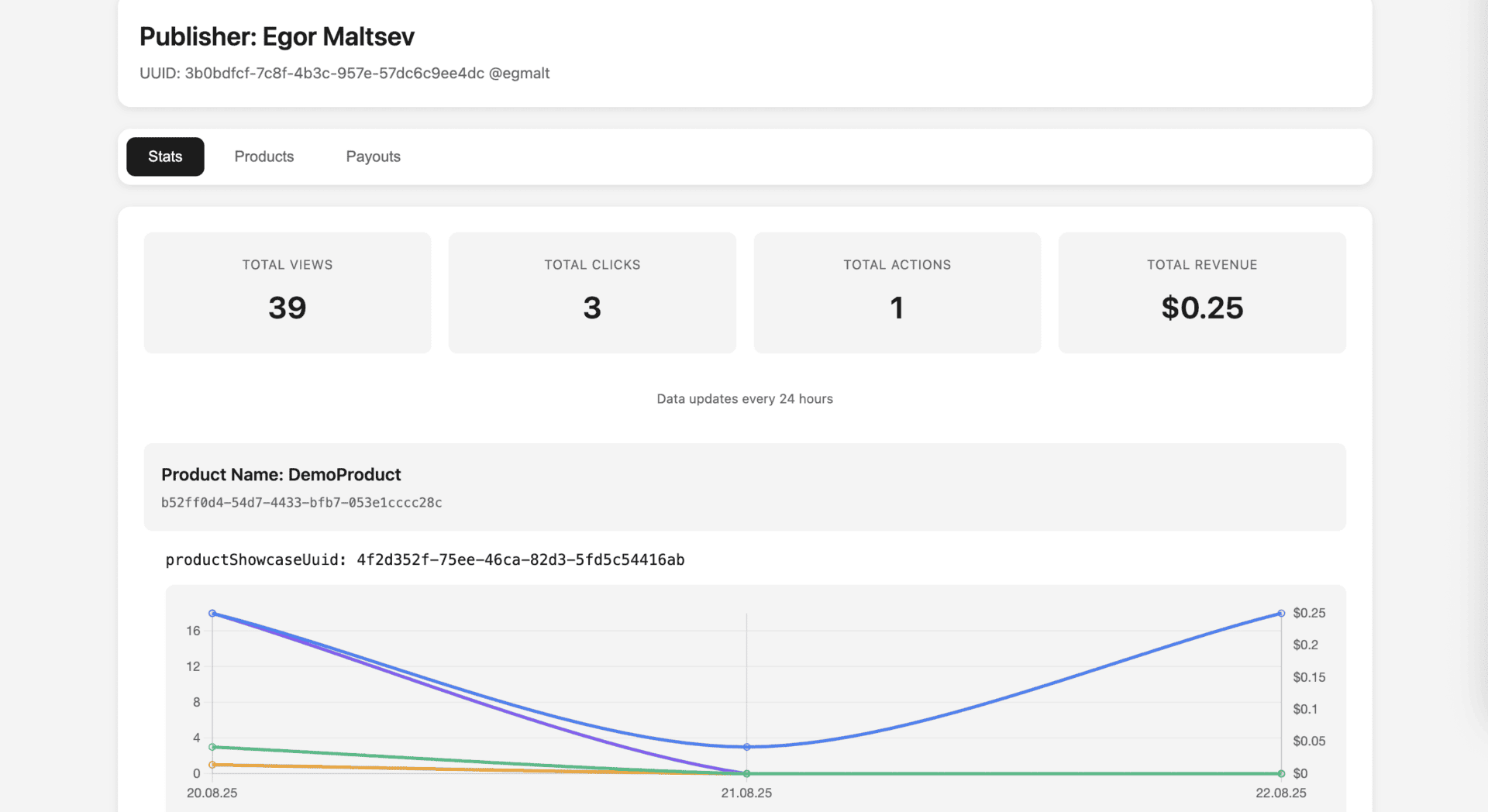
All data is available in real time through clear reports, allowing you to quickly optimize campaigns and scale growth.
Frequently Asked Questions
- Can I promote products other than extensions?
Yes. You can promote not only Chrome extensions but also SaaS products, AI tools, web apps, and services relevant to extension users.
- Where are ads displayed?
Ads are placed natively inside extension or website interfaces, typically in side panels or UI elements, appearing as part of the product.
- Can I set audience targeting?
Yes. You can choose extension categories, audience types, and geographic targeting to reach the most relevant users.
- What metrics are available?
You can track impressions, clicks, conversions, and revenue in real time to optimize campaigns.
- How does extension monetization work?
After integration, you place ad units in your extension UI. The system matches advertisers automatically, and revenue is generated from impressions and interactions.
- Will ads annoy users?
No. Ads are native, do not block content, and integrate seamlessly into the user experience.
- Does this comply with Chrome Web Store policies?
Yes. All ad formats comply with Chrome Web Store requirements.
- How long does launch take?
Launch takes minimal time after approval of the request, creatives, and campaign setup or extension integration.